
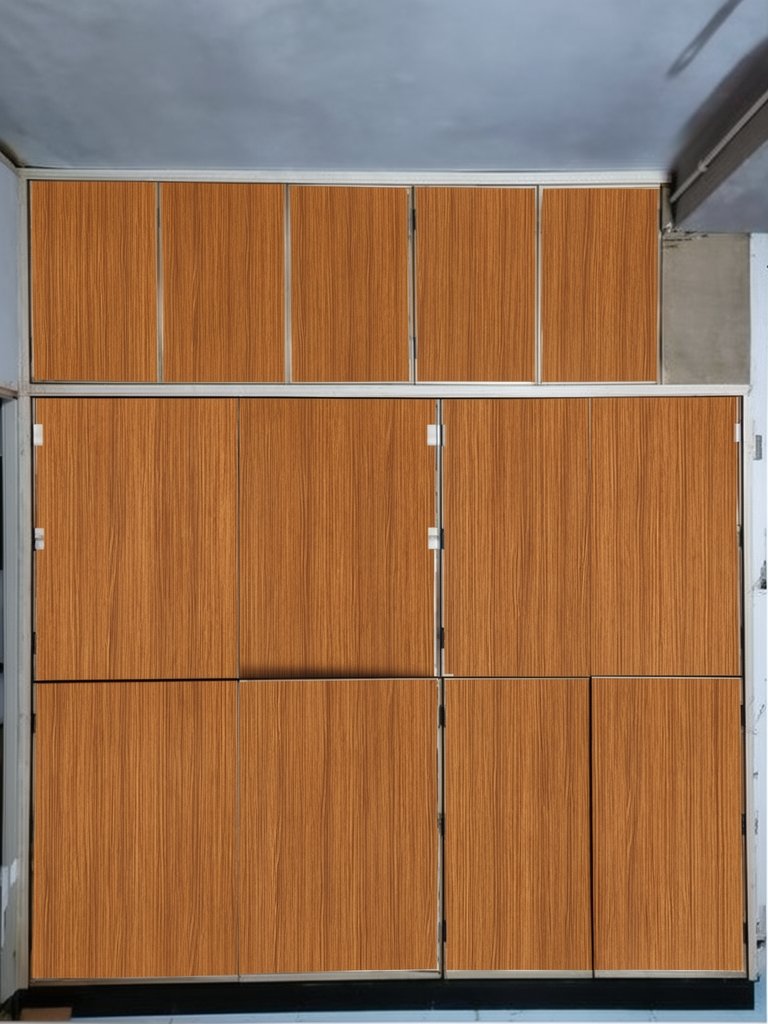
LamSnap result
Applied finishWarm Teak · Vertical grain
✨ AI visualized
AI laminate visualizer
Use a clear furniture photo, laminate reference and written instruction to explore an AI-assisted preview before confirming the physical sample.
One simple flow
Simple by design
No brushes, outlines or complicated design tools. Give LamSnap three simple inputs and let AI handle the design work.
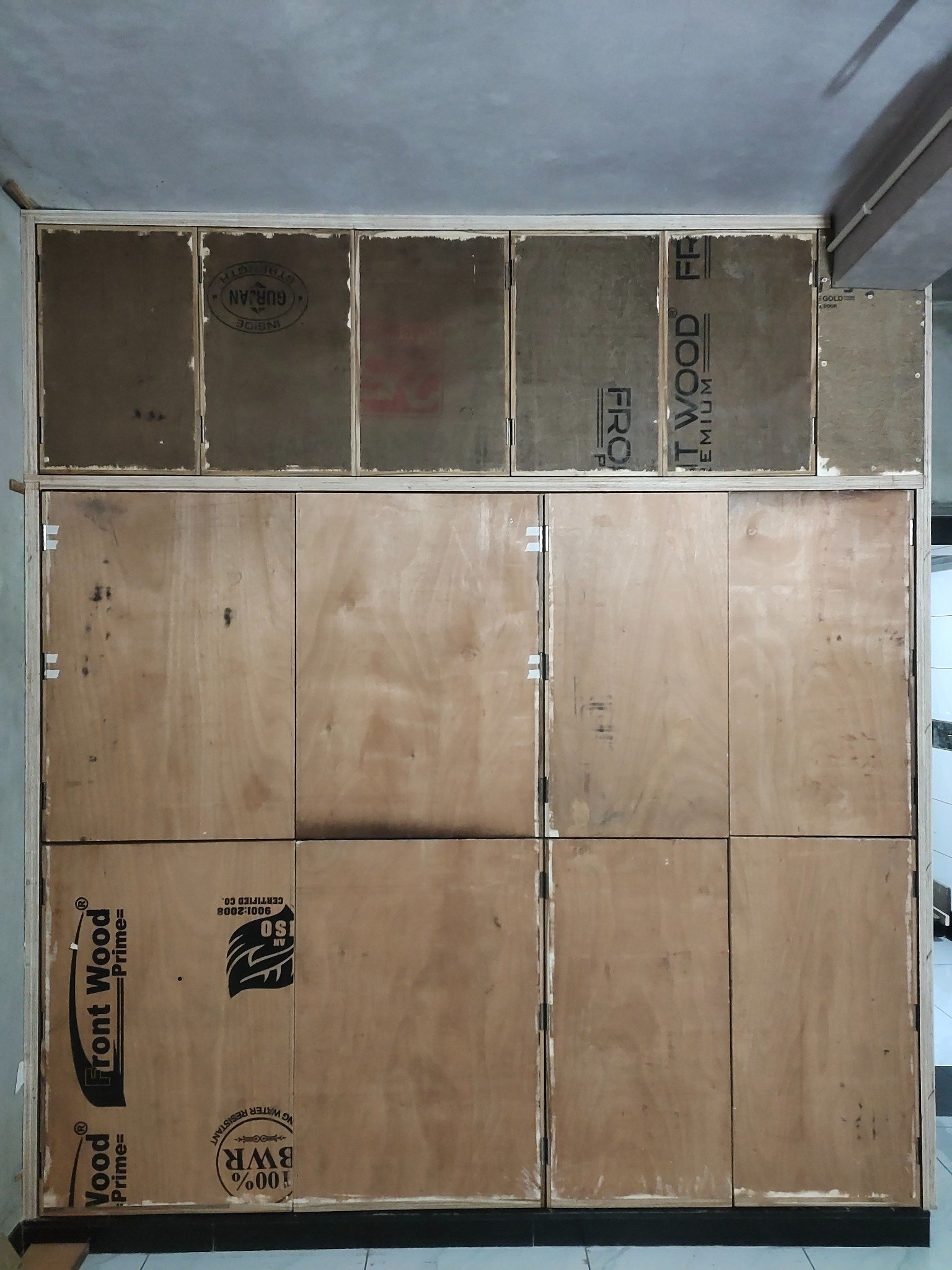
Take a clear picture of your wardrobe, kitchen or furniture.
Camera or galleryUpload clear photos of the laminate samples you want LamSnap to reference.
Add up to 3 samplesDescribe the visible surfaces to change and review the generated preview carefully.
No manual maskingDesigned around your idea
LamSnap aims to retain visible structure while applying the reference to the surfaces it interprets from your instruction.
Example LamSnap preview
Preview a laminate direction on your furniture before you buy or build. Review panel lines, proportions and details because AI output can contain visual inaccuracies.
Why LamSnap
Keep the furniture you love. Change only the finish—with a visualizer built around natural instructions, not complicated design tools.
Tell the AI which shutters, drawers or panels to change. LamSnap uses the instruction to interpret the intended boundaries for the preview.
Handles, gaps, edges and proportions remain visible after the finish changes.
Laminate grain follows the surface with natural scale, perspective and lighting.
Skip brushes, outlines and complex editing. A room photo, laminate and one clear instruction are enough.
Try the AI visualizer →Furniture finish ideas
From a single drawer to a complete room, see how the right laminate will look before the work begins.
Explore in LamSnap →
Preview shutters, drawers and side panels while keeping every detail intact.
Results depend on the input. Clear photos and visible laminate-ready furniture surfaces are the best place to start.
✦ Your next finish starts here
Upload one photo, add the laminate you like and tell LamSnap what to change. Your first design is only a few clicks away.
Good to know
Everything you need to know before creating your first laminate preview.
Try LamSnap now →No. Upload your room photo, add a laminate and describe which surfaces should change. LamSnap AI handles the surface selection for you.
Yes. Upload a clear, evenly lit photo of a laminate sample that you have permission to use.
LamSnap is designed for wardrobes, kitchen cabinets, TV units, office furniture and other laminate-ready surfaces.
LamSnap aims to preserve handles, gaps, edges, proportions and room lighting while changing only the requested finish.
No. The AI preview helps you compare ideas, but always confirm the physical laminate sample before purchasing or installation.